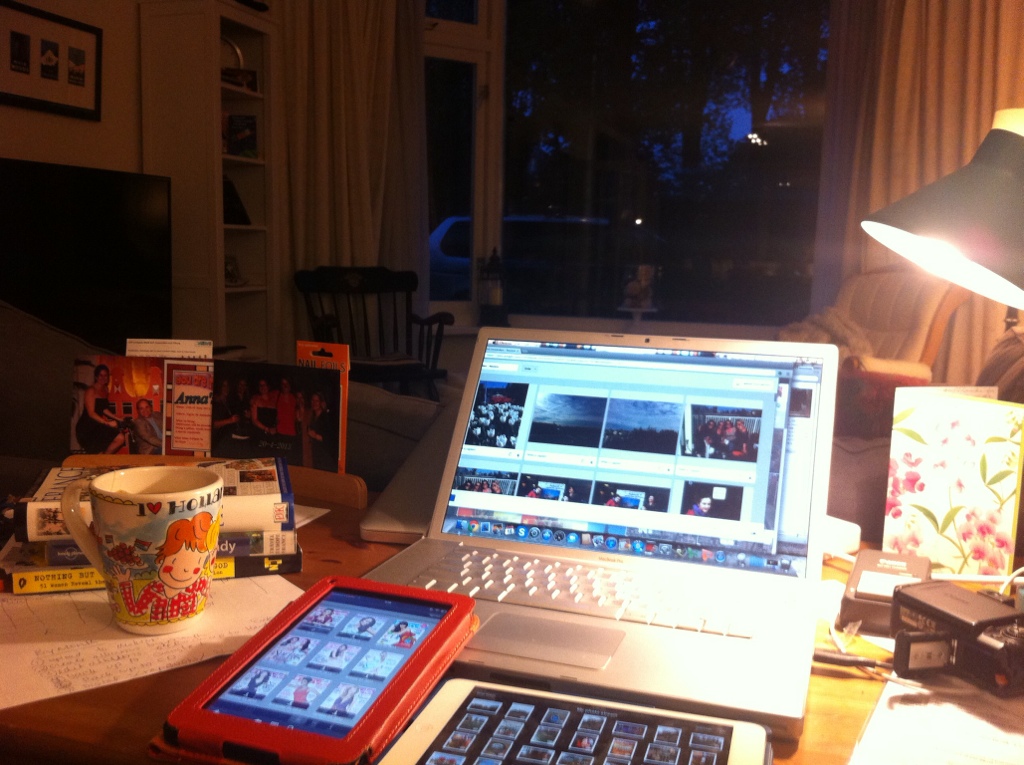
My photo hell is back. We have done so much in the past two months and again today I’ve found myself trying to catch up with my digital backlog, before we head out again to create and capture more memorable experiences.
I still haven’t found the holy grail, but I think I might be getting closer. Never the less, it still comes down to a content issue, just like the days when I used to work in knowledge management. I have too much and capturing and sorting and organizing, deleting and backing up, packaging and sharing takes so much time! I’m starting to wonder if it’s worth it. The amount of time it takes to manage the photo process almost makes me want to quit taking photos, or at least I need to learn how to better edit, delete and manage them daily or weekly. How do you do it?
Here is how I’m trying to manage this beast that gives me anxiety and sucks up a lot of time. Please do share how you do it if you have a better solution or suggestion to try.
1. Create folders on my external hard drive by year, and subfolders by month. I use the format 2013/ 01 Jan 2013 and 02 Feb 2013, 03 Mar 2013. The numbers before the month sort the months in numerical orders. ABC order and the redundancy of the year helps you to visualize which month and year you’re working in, in case things get confusing.
2. Upload photos from all three of my devices (iPhone, iPad and SLR) by month to appropriate folder on hard drive.
3. Open monthly folder and create sub-folders to organize photos from each of the monthly events that occurred. i also create a summary folder for all misc pics for that month.
4. I then edit and delete photos for each event that aren’t great. I think I should work on deleting right after I’m done taking pictures on the device used to take the pictures very day. When do you edit?
5. Backup photos from hard drive to an electronic sharing location by monthly event. ( I’m trying Google + right now, but Facebook, Costco.com, picassa, Flickr are some others too). I’m hoping Google comes up with the killer platform to streamline and manage the entire process from up,lad, edit, store, share, create digital albums, print, etc)
6. One extra step for backup might be the CD/DVD rom physical files that you can store some place else. I also heard of carbonite, but haven’t looked that up yet. Any suggestions??
I used to use iPhoto until I ran out of space in my iPhoto library. I recommend NOT using iPhoto for storage because it’s a huge pain when you run out of space!
I shared a picture of my chaotic desk, trying to multitask while I wait for photos to upload. I am downloading magazines on my Kindle for the car ride, have my France travel books handy, and a cup of tea. There are devices all around and it’s still light outside at 9:30 pm! I’m also writing this and taking more pictures to add to my blog while waiting for uploads to complete. I’ll be sure to delete those right now!
I’m still finding joy despite the chaos. Wish me luck and I’d love to hear from you if you have a better solution!
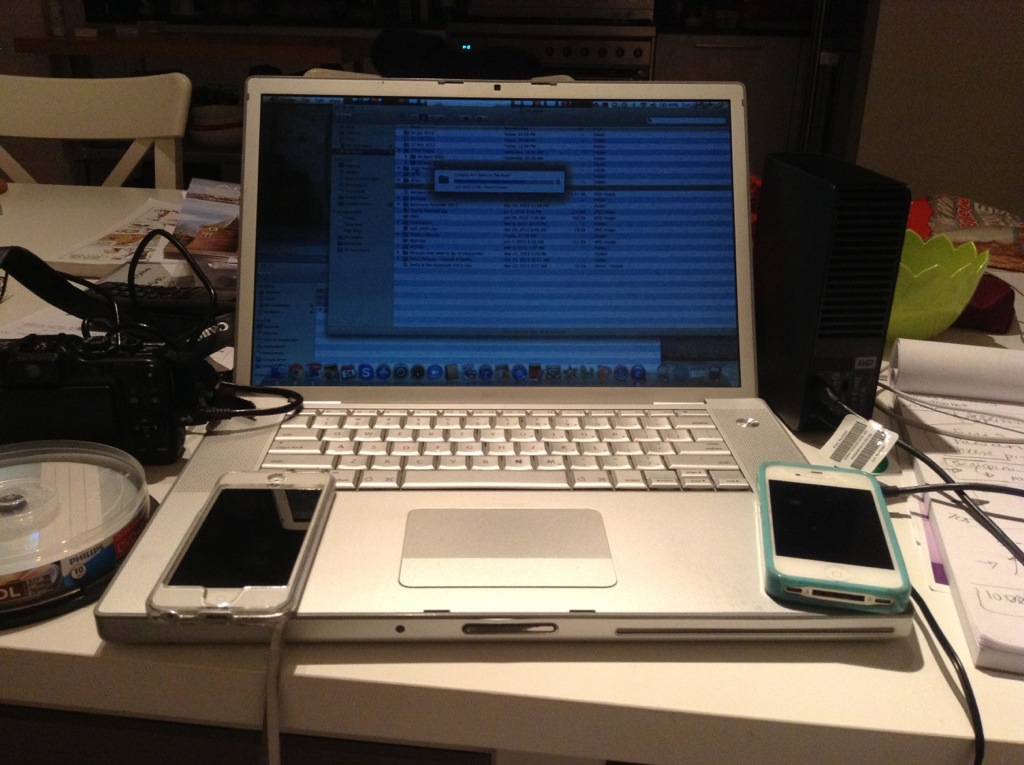
 here i am